Step 1:
Sign up and create your event
THE #1 ALL-IN-ONE EVENT PLATFORM
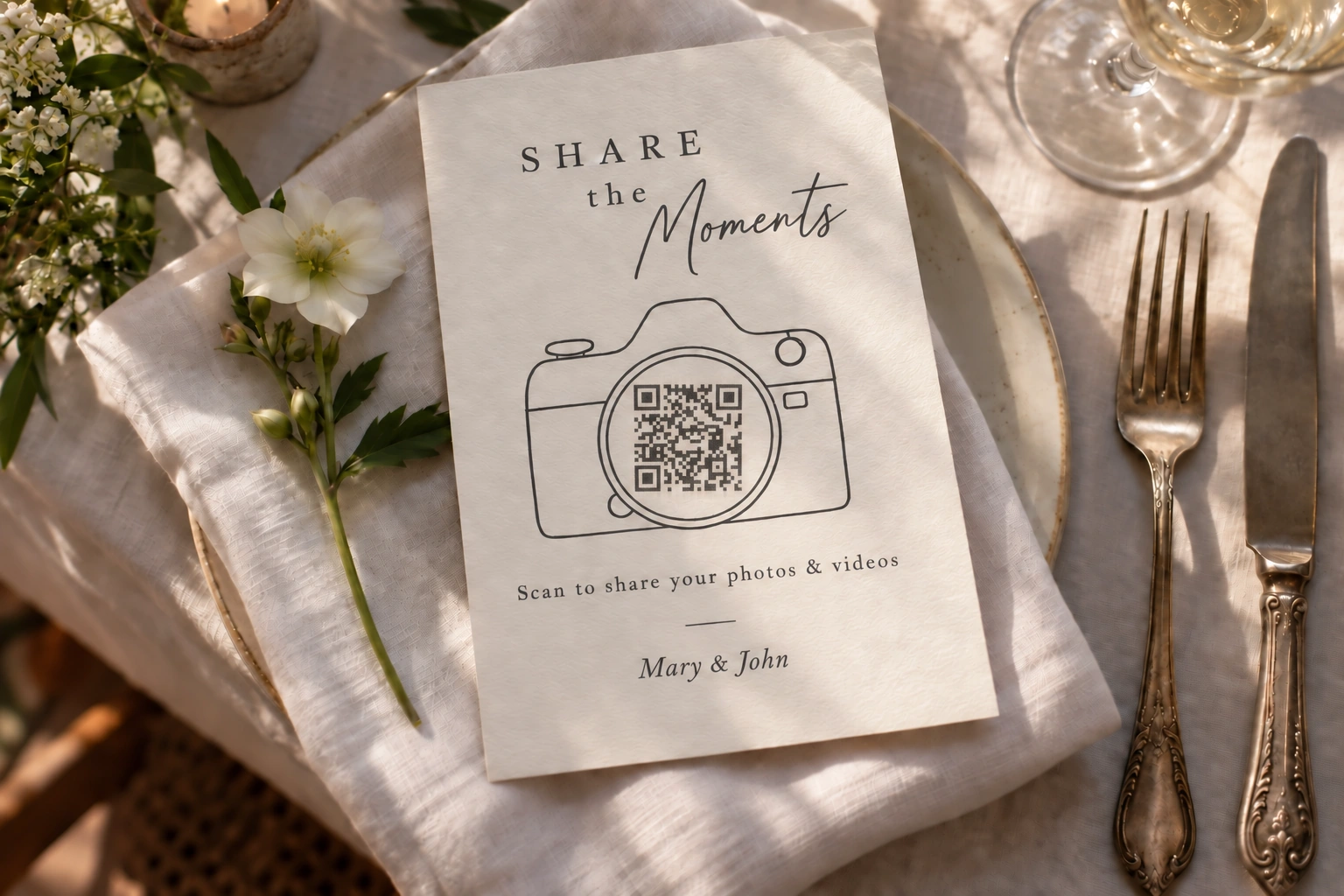
Build your event website, collect RSVPs, and give guests an easy way to share photos, videos, and messages. Everything stays connected through one event link or QR code.
Start with a free gallery. Add more when you need it.



Sign up and create your event

Guests join with a link or QR code

Enjoy all the captured moments
Shared gallery
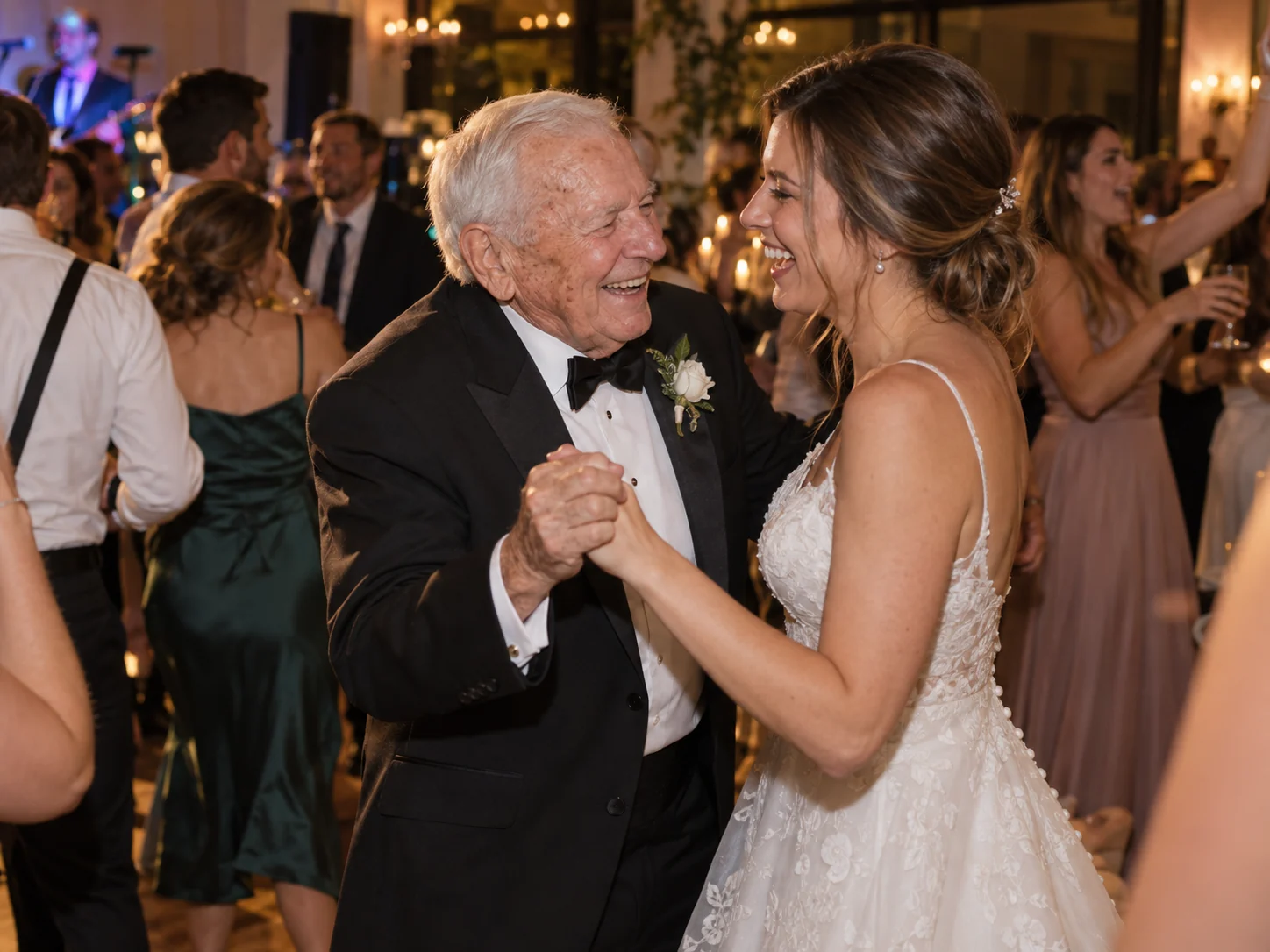
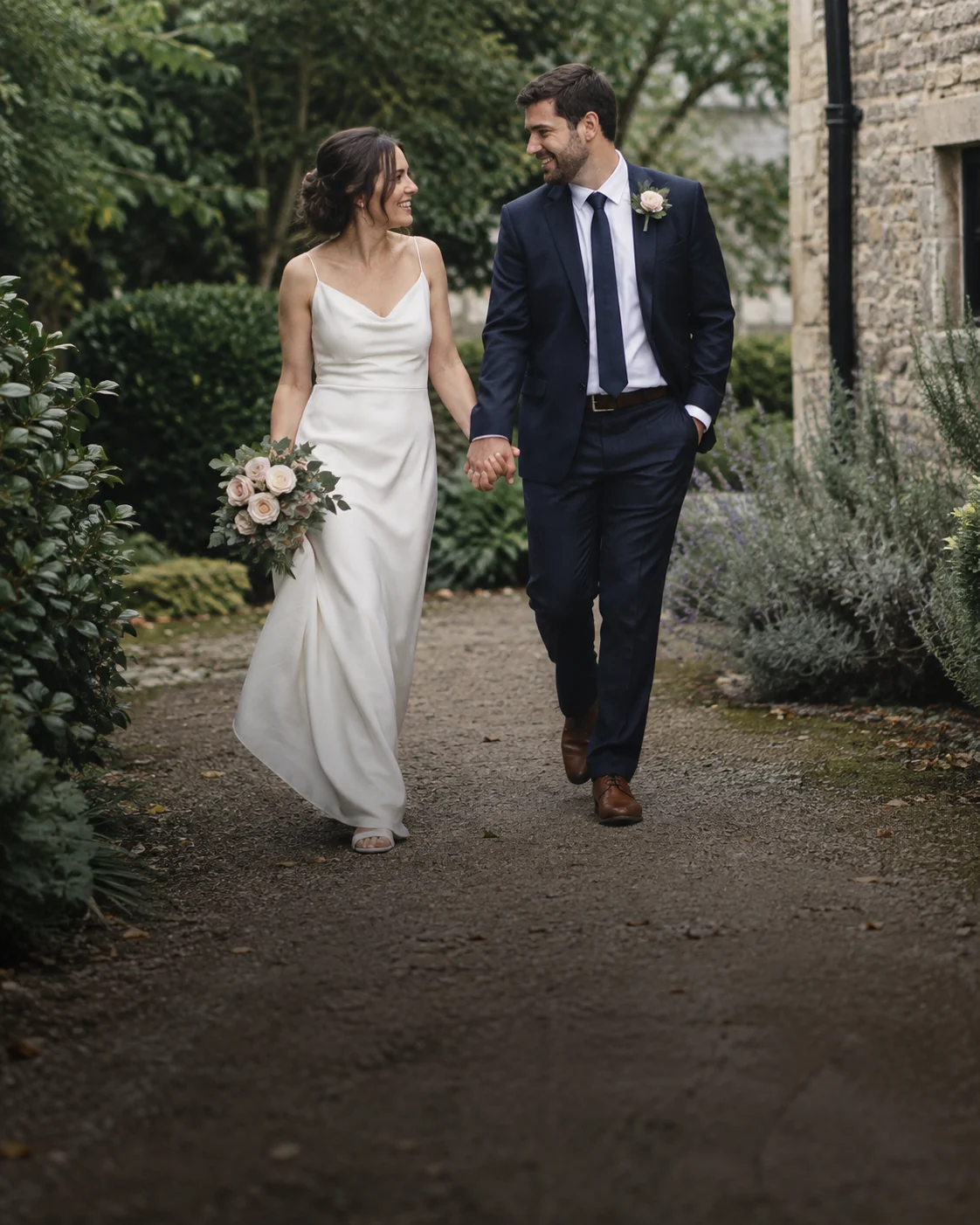
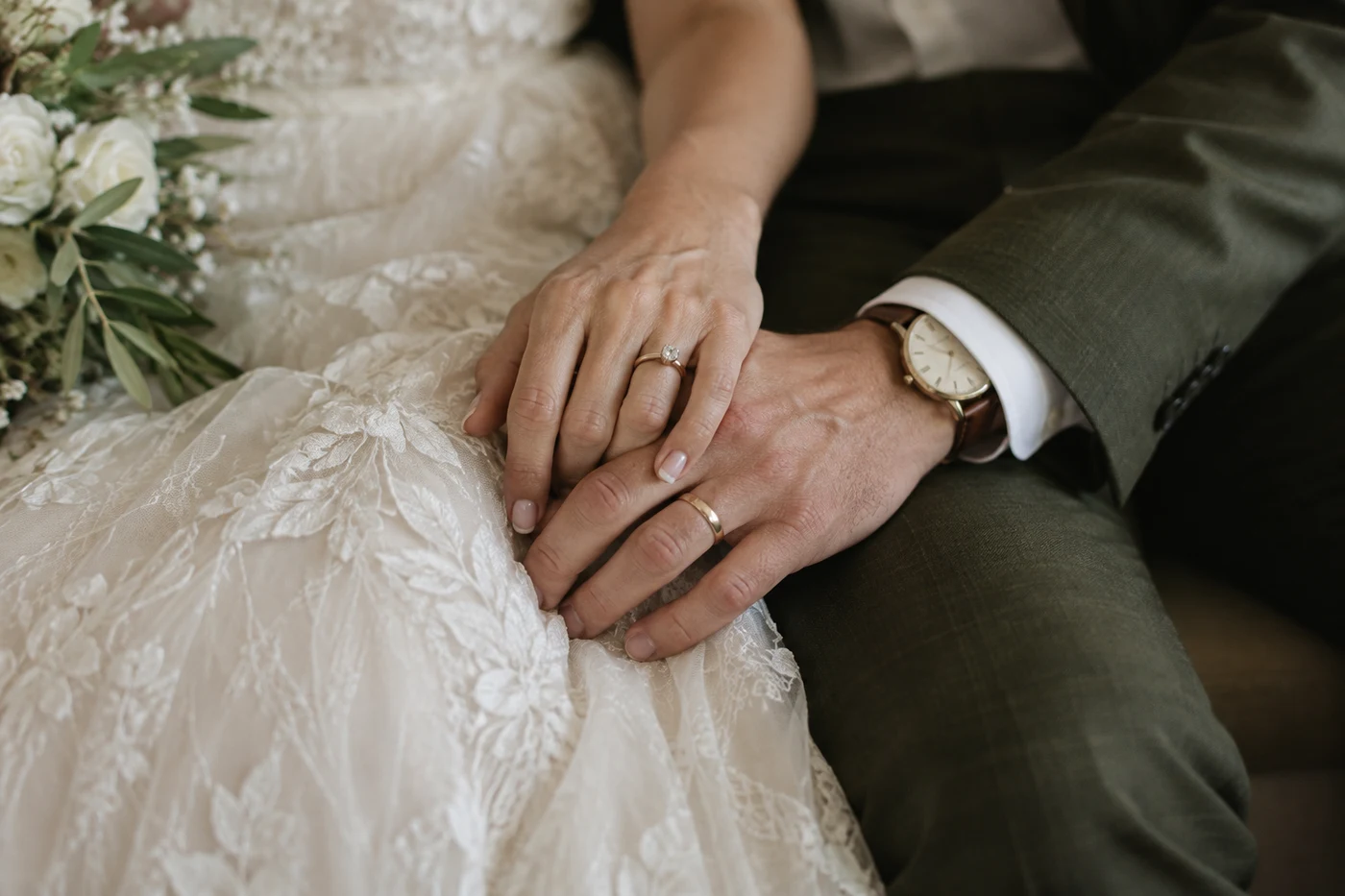
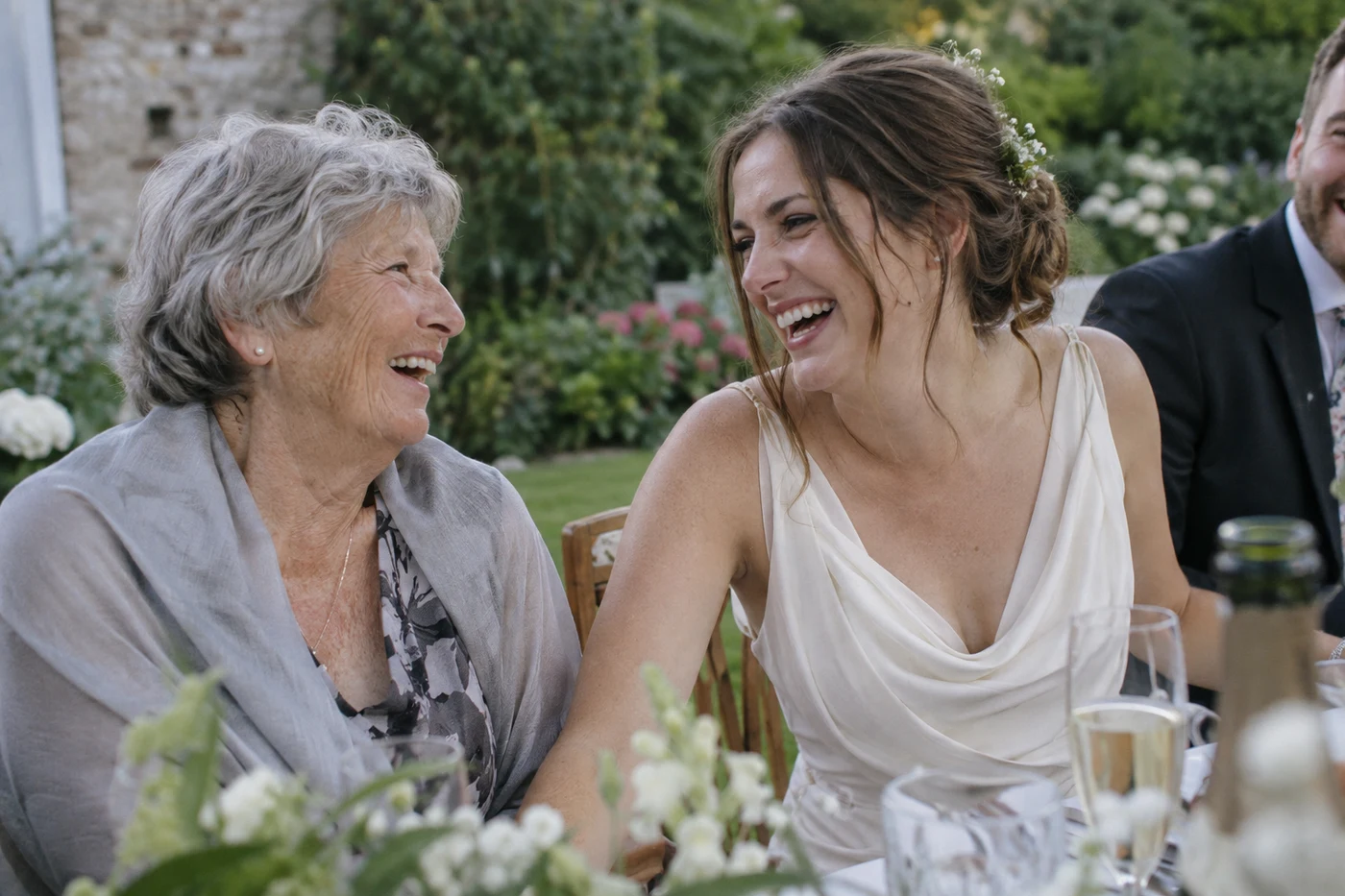
The table selfies, the unexpected reunions, the last song of the night. Photos and videos from your guests land in one event gallery, ready to revisit afterwards.
Guests can add what they captured from their phones through your event link or QR code. You get the whole celebration in one place instead of gathering files from separate chats.
Explore photo sharingDisposable camera
Normally, guests simply add their photos and videos to your shared gallery. If you want a playful extra, turn on the digital disposable camera and give each guest a limited number of shots.
Choose when those camera shots are revealed, then enjoy discovering the day through everyone else’s eyes.
Explore the disposable cameraLive slideshow
Put the guest gallery on a TV or projector while the celebration is still happening. New moments can join the slideshow as people share them.
The room gets to see the day from more than one point of view, and each new photo gives guests another reason to take part.
Explore the live slideshowEvent website
Give your event a home that feels like your celebration. Share the date, schedule, location and the information people keep asking you for.
Send guests one link they can come back to, from the first invitation through to the day itself. Your website stays connected to the rest of your event.
Explore event websitesRSVP and guest list
Collect attendance, plus-ones and meal details in one place. As replies arrive, your guest list gives you a clearer picture of who to expect.
Keep the information together as plans change, so you can move from invitations to a reliable headcount without rebuilding a spreadsheet.
Explore RSVP and guest listsSeating plan
Arrange tables using the guest list you already built. Move people around as your plans change without starting again in a separate tool.
On the day, guests can search their name to find their table, so your seating plan is useful to them as well as to you.
Explore seating and find your seatMessages and voices
Invite guests to leave a written note or record a message in their own words. Keep the laughter, wishes, and familiar voices alongside the photos from your event.
They can contribute from their browser, even when they did not get a quiet moment to tell you everything in person. Come back to those words long after the celebration.
Explore the guestbookVerified reviews
“We used GuestShoot at our wedding and ended up with more than 500 guest photos and videos. The best part was discovering moments we had not even seen because we were greeting people or with the photographer. We left the QR code on the tables, and guests started uploading photos during the reception.”
“We had guests from several countries and needed something that did not require downloading an app or creating an account. Even our relatives who are less comfortable with technology used it without any problems. The next day, the whole celebration was together in one gallery.”
“Our favorite part was the voice messages. Listening to them together after the wedding was very special, especially the ones from our grandparents and friends who live far away. The photos are wonderful, but the voices made the memory much more personal.”
“We used GuestShoot for my wife's 50th birthday, and it was a success with guests of every age. Younger guests uploaded videos, while older relatives shared photos and messages. Afterwards, we downloaded everything and gave it to her as a keepsake from the party.”
A wedding, a milestone birthday, a party, or a gathering at work: give everyone an easy way to take part.
BUILT FOR REAL EVENTS
Small details that give you more room to organize, share and stay in control.
Organize uploads by day, location or part of the celebration.
Design a card to download and place on tables or signs.
Let people join an event experience available in multiple languages.
Invite a partner, planner or friend to help manage the event.
Choose when the guest page needs an extra layer of privacy.
Decide whether guests can see every photo or add new uploads.
Remove photos or videos from the gallery when needed.
On Essential and All-in-One, download a ZIP organized by album.
One payment per event. No subscription. Choose the experience that fits your event.
€0
No payment neededTry the guest experience. Access until 90 days after your event.
€49
One-time paymentPhotos, videos and dedications. Access until 1 year after your event.
Recommended
€99
One-time paymentYour complete event experience. Access until 1 year after your event.
Paid plans: access until 1 year after your event
Photos can be up to 25 MiB each. With a paid gallery, organizers can upload videos up to 4 GB each and guests can upload videos up to 500 MB each. MP4, MOV and WebM are accepted. We preserve your original files; playback depends on your browser and the video codec. The free interactive demo has a separate 10 MiB limit.
No. Guests open your event link or scan its QR code and join in their browser. They need an internet connection to upload.
Yes. Create a free event gallery for up to 50 photos and 20 guests. You can choose Essential if you need videos, more guests, or more ways to collect memories.
All-in-One adds an event website, RSVPs, a guest list, and a seating chart. You can keep the event details and guest contributions in the same place.
On paid plans, guests can leave written and audio messages. Essential also includes a live slideshow; All-in-One adds the planning features.
They can contribute while uploads are open for your event. Check your plan’s upload period before sharing the link or QR code.
You decide who receives the link or QR code. Someone who receives or is forwarded that link may be able to open the event, so review its access and privacy settings before sharing.
Yes. Paid plans include downloads of your memories. Save the files you want to keep before your access period ends.
The free plan offers access until 90 days after the event; paid plans offer access until one year after it. See the plan details for current limits and upload periods.
No. Paid plans use a one-time payment per event.
Yes. You can create an event for a birthday, party, company celebration, or another gathering. Choose the features that fit the people you are bringing together.
Your people bring the stories. Give them one place to share them.
Create your free eventFree to start. No app for your guests.