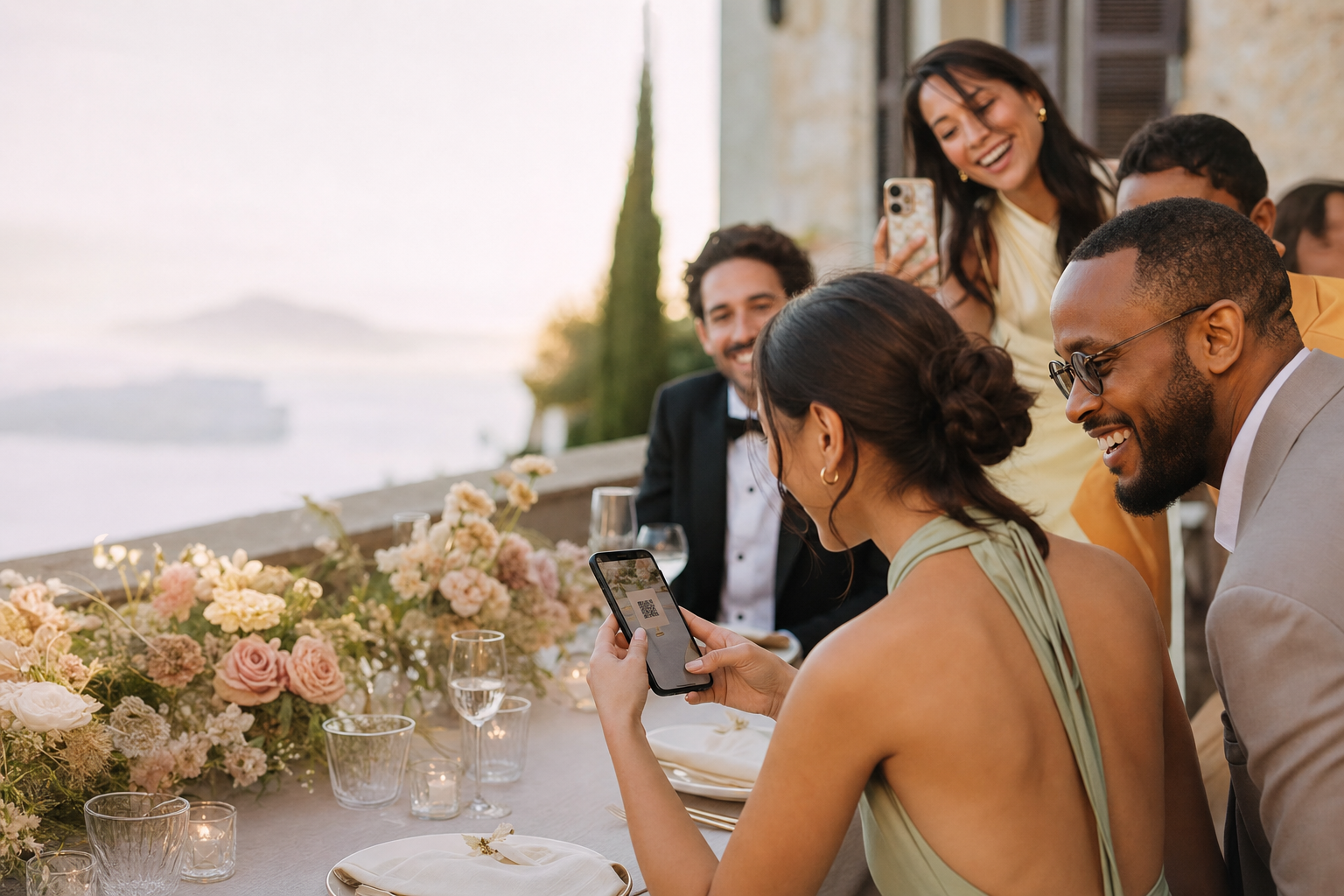
How GuestShoot works

From empty gallery to shared memory in three simple steps

GuestShoot separates the host setup from the guest experience. You configure the event once; invitees only see the shortest useful path from QR scan to contribution.

No appNo guest accountPrivate gallery
From empty gallery to shared memory in three simple steps

Host setup in minutes

No app · No guest account · Private gallery

No app
No guest account
Private gallery

The real problem

Collection fails when the host’s setup leaks into the guest experience

Guests are asked to understand folders, permissions and account settings.

01

Different links are shared for photos, messages and the final gallery.

02

Nobody tests the QR on a second phone before it is printed.

03

An experience built for participation

One workflow for the whole event

Fewer instructions, fewer reminders and one place for everything.

Host setup in minutes

Add the event identity, date and cover, then download its unique QR.

Guest participation in the browser

Invitees scan, enter their name and contribute without a download or account.

One organized result

Manage albums, remove content, display a slideshow and download the collection.

This simple

The complete GuestShoot workflow

01

Create and personalize

Set the event name, date and cover. The private gallery, link and QR are generated together.

02

Share where guests will notice

Use the same link in digital reminders and place the QR on signs, tables or venue screens.

03

Collect, present and keep

Guests add media and messages; hosts organize, display and download the finished event.

What the guest sees

No dashboard, permissions lesson or app-store detour

The guest lands directly inside the invited event. The host retains the richer controls while participation remains focused on viewing and contributing memories.

Host setup in minutes

Add the event identity, date and cover, then download its unique QR.

Guest participation in the browser

Invitees scan, enter their name and contribute without a download or account.

One organized result

Manage albums, remove content, display a slideshow and download the collection.

Create and test your event free. Paid plans start at €39 per event.

Two sides, one event

Guest simplicity does not remove host control

Guest experience
Host experience
Scan QR or open private link
Create, customize and distribute the event
Enter a name without an account
Manage the gallery and albums
Upload invited memory formats
Remove content and control presentation
View the shared story
Run the slideshow and download the archive

Try the guest experience

See exactly what your guests will see

Open a real demo gallery, explore the experience and check how easy it is to participate before creating your own event.

  • No app
  • No guest account
  • Private gallery
Open the live demo
See exactly what your guests will see

Verified reviews

What hosts say after using GuestShoot

Feedback from real event hosts, published only with their permission.

We used GuestShoot at our wedding and ended up with more than 500 guest photos and videos. The best part was discovering moments we had not even seen because we were greeting people or with the photographer. We left the QR code on the tables, and guests started uploading photos during the reception.
Laura M.
We had guests from several countries and needed something that did not require downloading an app or creating an account. Even our relatives who are less comfortable with technology used it without any problems. The next day, the whole celebration was together in one gallery.
Emily R.
At first I thought people would forget to upload their photos, but the opposite happened. We placed the QR code next to the menu and many guests started using it during dinner. The candid photos ended up being even more fun than the official ones.
Giulia B.
Setting up the event and sharing it with our guests was very easy. Our wedding had around 140 people, and we received photos from every corner of the celebration. We found beautiful pictures of our parents and friends that the photographer had not been able to capture.
Thomas L.
We used it throughout our wedding weekend, not only on the day of the ceremony. Guests uploaded photos from the dinner the night before, the party and the breakfast the next morning. We now have a complete diary of the whole weekend.
Sophie W.
We wanted a simple solution because we did not want to explain to every guest how to join a shared album. With GuestShoot, they only had to scan the QR code and enter their name. It was quick, worked well on different phones and far more people took part than we expected.
Anna K.

FAQ

How GuestShoot works: questions

How quickly can I create an event?

The essential setup takes a few minutes. Allow extra time to design, print and test any physical QR signage.

What happens after a guest scans?

The private event opens in the phone browser. The guest enters a name and follows the contribution prompts.

Can I share a link instead of a QR?

Yes. The private link and QR lead to the same event, so use whichever fits the touchpoint.

Can the host remove an upload?

Yes. The host can manage the gallery and remove unwanted content.

See the complete flow with your own event

Create it free, scan from another phone and verify every step before inviting anyone.

Free plan · No card · Set up in minutes