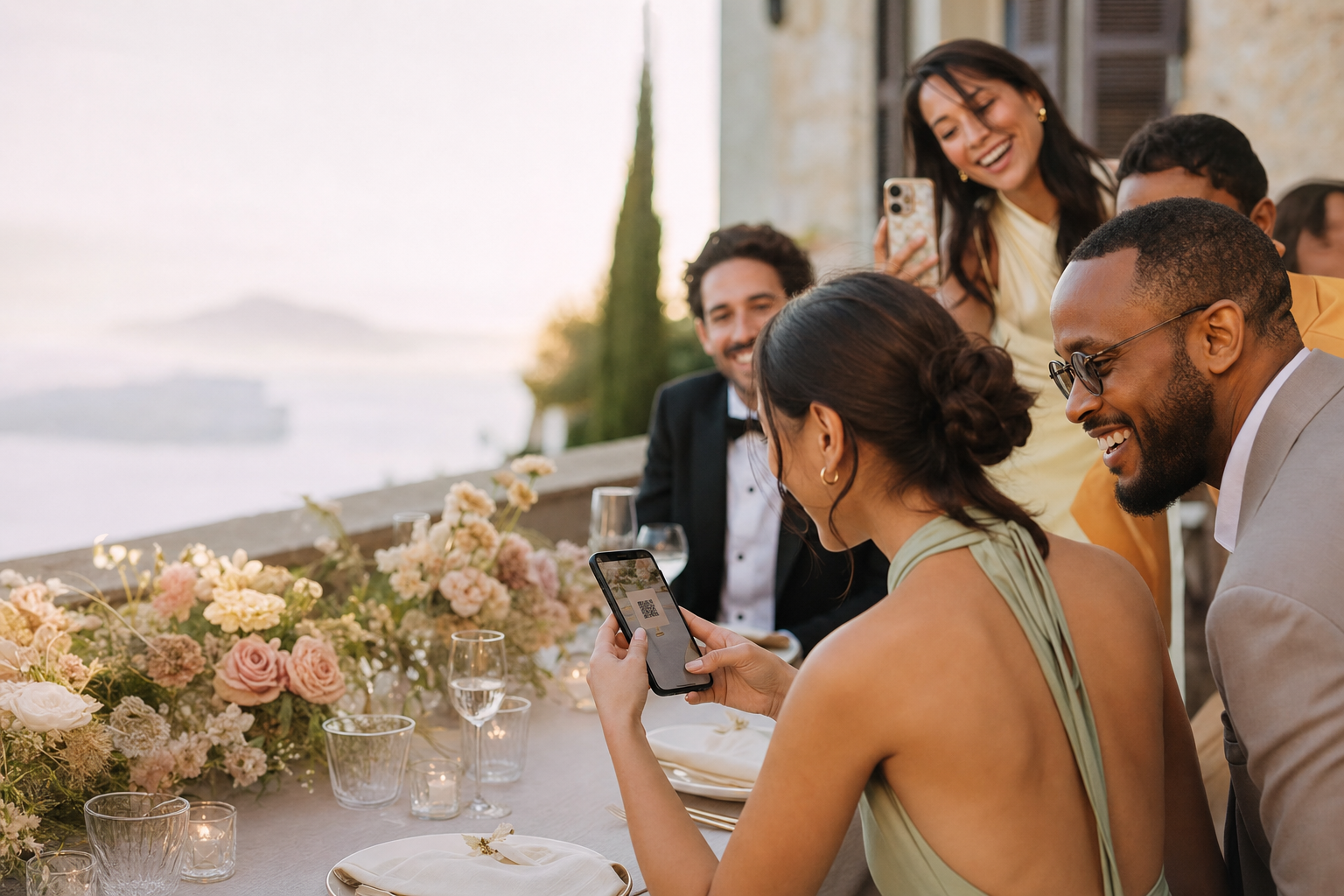
The QR is printed before anyone tests the final destination.
GuestShoot questions answered
The practical answers you need before inviting a single guest
Use this guide to verify the guest flow, limits, privacy model and post-event plan. For event-specific advice, follow the linked solution and guide pages.
✓ No app✓ No guest account✓ Private gallery

The real problem
Small unanswered questions become last-minute event risks
Hosts assume private means something different from link-based access.
Upload limits and hosting periods are checked only after guests participate.
An experience built for participation
Check the three areas that matter most
Fewer instructions, fewer reminders and one place for everything.
Guest access
No app or GuestShoot account is required; guests use the event QR or link.
Plan limits
Free supports 50 photos and 20 guests; paid plans unlock unlimited capacity and video.
Host responsibility
Share the link deliberately, manage uploads and keep independent backups.
This simple
A pre-event verification checklist

01
Test access
Open the final QR on two different phones with no host session.

02
Confirm the plan
Check guest count, photo and video needs, voice messages and hosting before invitations go out.

03
Plan moderation and backup
Choose who manages the gallery and when the final collection will be downloaded.
Essential facts
What hosts and guests should know
QuestionAnswer
× App or account for guests?
✓ Neither is required
× Photos and videos?
✓ Photos free; video on paid plans
× Who can access?
✓ People who receive the private QR or link
× Can hosts delete content?
✓ Yes, hosts manage the gallery
× Paid hosting period?
✓ Until one year after the event date
Product capabilities and plan allocation can evolve. The pricing page and checkout are the current source of truth for a purchase.
Frequently asked questions
Do guests create an account?+
No. They open the private event, enter their name and contribute through the browser.
Is the event publicly searchable?+
Events are not designed as public listings. Access is provided through the QR or private link you distribute.
Can I download everything?+
Hosts can download event media, including a complete ZIP workflow for the collection.
What is included free?+
The free tier supports up to 50 photos and 20 guests. It is photo-only and intended for testing or small events.
How long does a paid event stay available?+
Paid hosting runs until one year after the event date.
Can I remove an inappropriate upload?+
Yes. The host can manage the gallery and delete content.
Answer the final question by testing it yourself
Create a free event, scan the QR from another phone and verify the experience before launch.
Create a test event →