App downloads make people postpone the upload until they forget.
QR code photo sharing
One scan turns every guest into a contributor
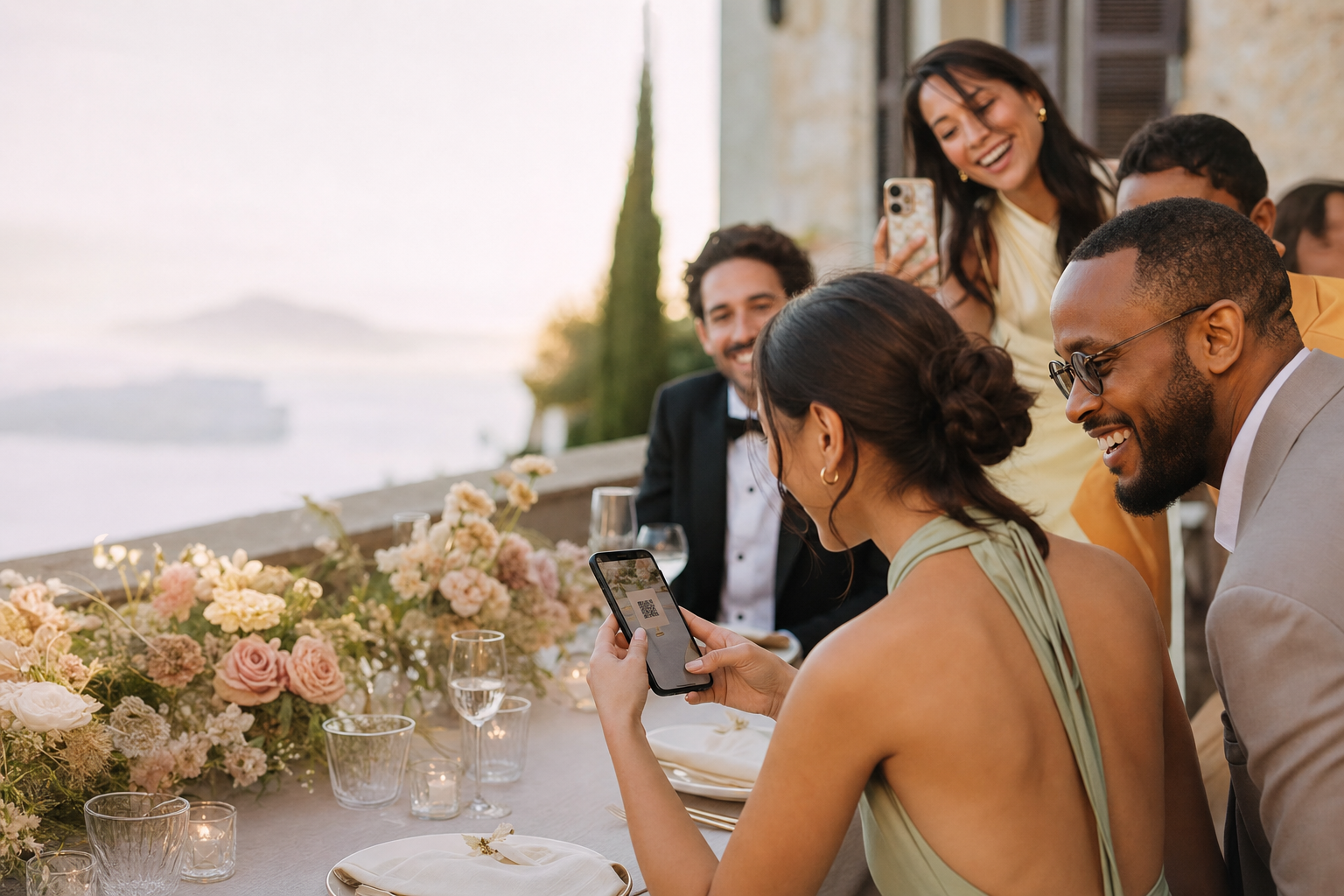
A photo-sharing QR code removes the awkward part of collecting memories. Guests point their camera, open your private event and upload while the moment is still fresh.
✓ No app✓ No guest account✓ Private gallery
The real problem
Every extra instruction loses another guest
Shared folders ask for accounts, permissions or unfamiliar steps.
A link buried in a group chat is easy to miss during a busy event.
An experience built for participation
The shortest route from camera roll to shared album
Fewer instructions, fewer reminders and one place for everything.
Scan and join
The phone camera opens a browser experience—no app store detour.
Ready to print
Download the QR and place it on signs, invitations, menus or table cards.
One private destination
Every upload lands in the event you control, ready to view or download.
This simple
How QR code photo sharing works

01
Create the event
Choose the name, date and cover to create the private gallery.

02
Download and display the QR
Print it at a comfortable scanning size and add one clear instruction: Scan to add your photos.

03
Collect throughout the event
Guests scan, enter their name and upload from their phone browser.
Why participation improves
A visible QR code beats chasing links after the event
A link sent laterGuestShoot QR
× Requires a follow-up message
✓ Visible while guests are taking photos
× Gets lost in a busy chat
✓ Placed on signs and table cards
× People need to remember later
✓ Upload in the moment
× Often leads to a generic folder
✓ Opens a branded private event
QR code photo sharing questions
Do guests need a QR scanner app?+
No. Modern phone cameras recognize the code and open the gallery in the browser.
Can I print the QR code?+
Yes. Download it and use it on signs, stationery or screens. Always test the final printed version before the event.
Can the same QR code collect videos?+
Yes, when the event uses a paid plan. The free plan is limited to photos.
Is the QR code gallery private?+
It is not publicly listed. Access is limited to people who receive the QR code or private link.
Create the QR before you design the sign
Start free, scan it on your own phone and see exactly how easy it feels for a guest.
Create my photo QR code →