The upload link is first shared after guests have returned to normal life.
Wedding photo collection guide
Collect the candid photos without chasing guests for weeks
Successful wedding photo collection is less about storage and more about timing. Give guests one obvious destination, show it while they are already taking pictures and remind them once while the memories are still on their phones.
✓ No app✓ No guest account✓ Private gallery
The real problem
Why couples receive only a fraction of the photos
Different tables send photos through different chats, drives and social networks.
The request says where to upload but gives no reason to do it now.
An experience built for participation
A collection plan built around three moments
Fewer instructions, fewer reminders and one place for everything.
Before the wedding
Create and test the gallery, then add the QR to one printed and one digital touchpoint.
During the reception
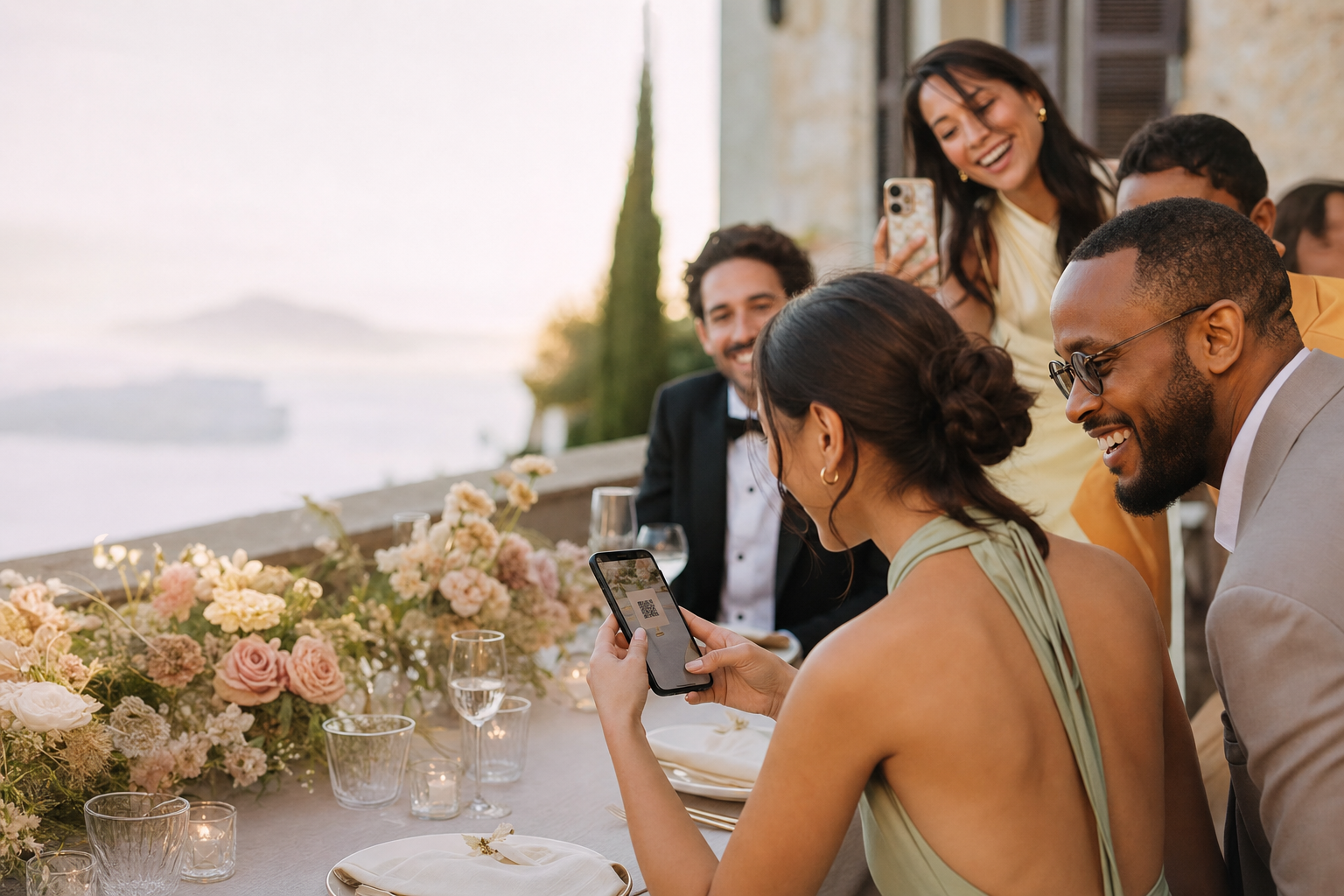
Place the code where guests pause and ask the MC or a trusted friend to mention it once.
The next morning
Send the private link with a warm, specific reminder before camera rolls get buried.
This simple
The complete guest photo collection workflow

01
Choose one destination and test it
Avoid parallel folders. Scan the final QR on iPhone and Android, upload a photo and confirm the host receives it.

02
Make the prompt visible and specific
Use concise copy such as: Help us see the moments we missed—scan to add your photos and videos.

03
Close the loop after the wedding
Send one thank-you reminder, leave enough time for uploads, then download and back up the complete collection.
What changes the result
Collection works when the request arrives at the right moment
Low-response setupHigh-response setup
× Several upload destinations
✓ One QR and one private link
× First request a week later
✓ Visible during the reception
× Generic: Send us your photos
✓ Specific: Show us what we missed
× No owner for follow-up
✓ One person sends a next-day reminder
Collecting wedding photos: common questions
When should we share the QR code?+
Include it in a pre-event digital message if useful, display it at the reception and send the private link once the next day.
Where should the QR sign go?+
Use several natural pause points—welcome table, bar, guestbook area or each table—rather than one hidden corner.
Should we use a WhatsApp group too?+
Use chat for the reminder, but keep one dedicated gallery as the upload destination.
How do we make a backup?+
After the upload window, download the collection and keep copies in at least two independent storage locations.
Set up the collection before the stationery goes to print
Create the wedding gallery free, test the QR and use the exact link on every touchpoint.
Create my wedding gallery →