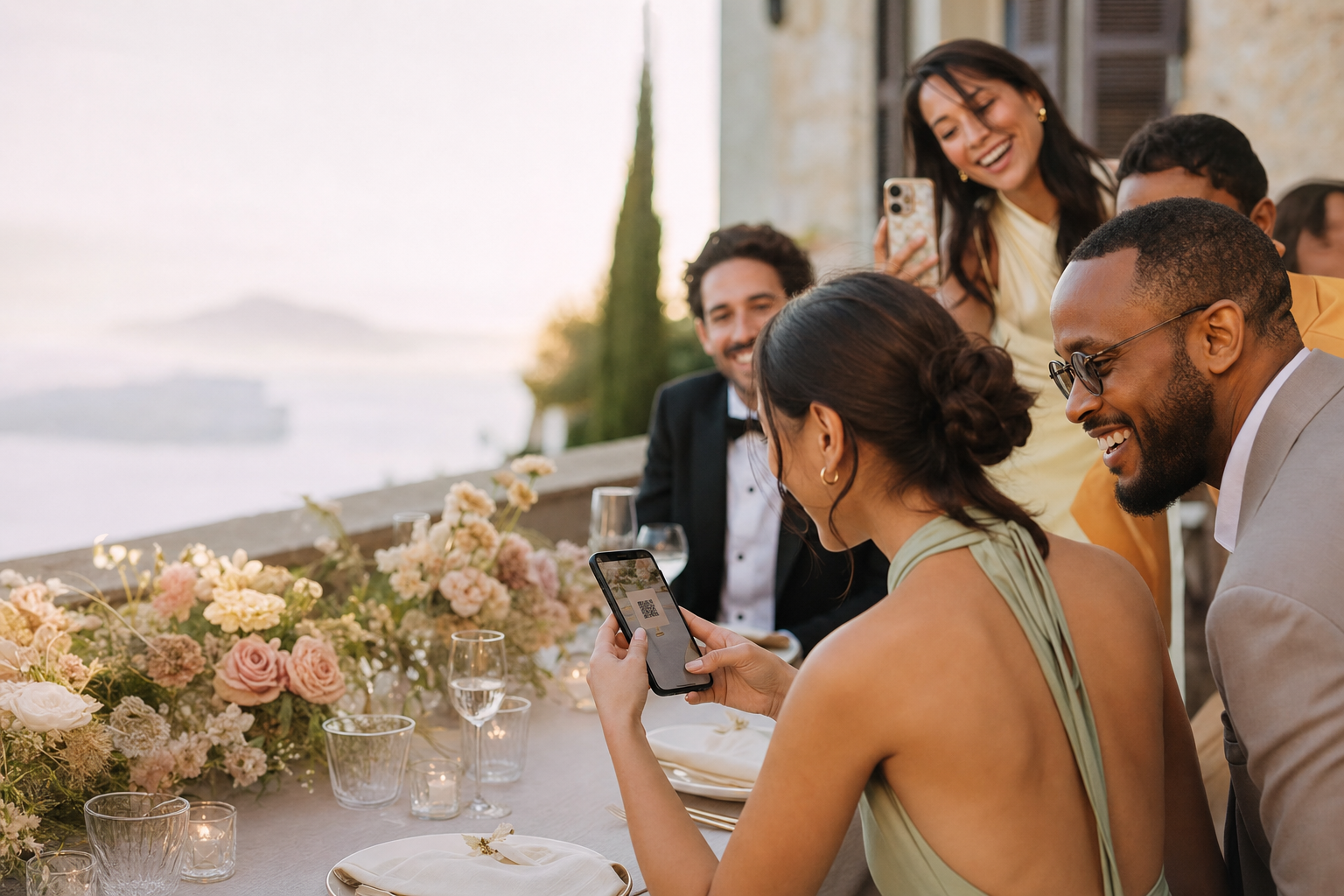
Social posts expose personal moments to followers who were never invited.
Private event photo album
Share the event with your guests—not with the whole internet
GuestShoot gives an invited group one focused place to contribute and relive the occasion. The album is reached through your private QR code or link and remains under the host’s control.
✓ No app✓ No guest account✓ Private gallery

The real problem
Convenient sharing should not mean a public audience
General cloud folders mix permissions, accounts and unrelated files.
Messaging groups distribute copies but do not create a lasting event experience.
An experience built for participation
Private by distribution, simple by design
Fewer instructions, fewer reminders and one place for everything.
No public discovery
The event is accessed through the QR code or private link you choose to share.
Host control
Manage albums, remove uploads and decide how the collection is presented.
A complete keepsake
Bring guest photos, paid-plan videos and messages into one event.
This simple
Set up a private shared album

01
Create the event
Add a recognizable name, date and cover so guests know they are in the right place.

02
Share only with invitees
Send the private link directly or place the QR code inside the event.

03
Manage and download
Organize the gallery, remove content when needed and download the collection.
Choose the right sharing model
An event space feels different from a public feed or generic folder
Public or generic toolsGuestShoot
× Broad or confusing audience
✓ Shared with the invited group
× Accounts and permission requests
✓ No guest account required
× Files without event context
✓ Cover, albums, messages and slideshow
× Host chases contributions
✓ QR collects them in the moment
Private-link access is not the same as end-to-end encryption. Anyone with the event link can open it, so share it only with the intended group.
Private event album questions
Is the album visible in public search?+
Guest events are not designed as public listings. Access is through the event QR code or private link.
Does every guest need an account?+
No. Guests open the event in their browser and enter their name to contribute.
Can the host delete an upload?+
Yes. The host can manage the gallery and remove content.
How long is a paid event available?+
Paid hosting lasts until one year after the event date, so purchasing early does not shorten the period after the occasion.
Create a private home for the whole event
Start free, invite one person to test it and decide when you are ready for unlimited uploads.
Create a private album →