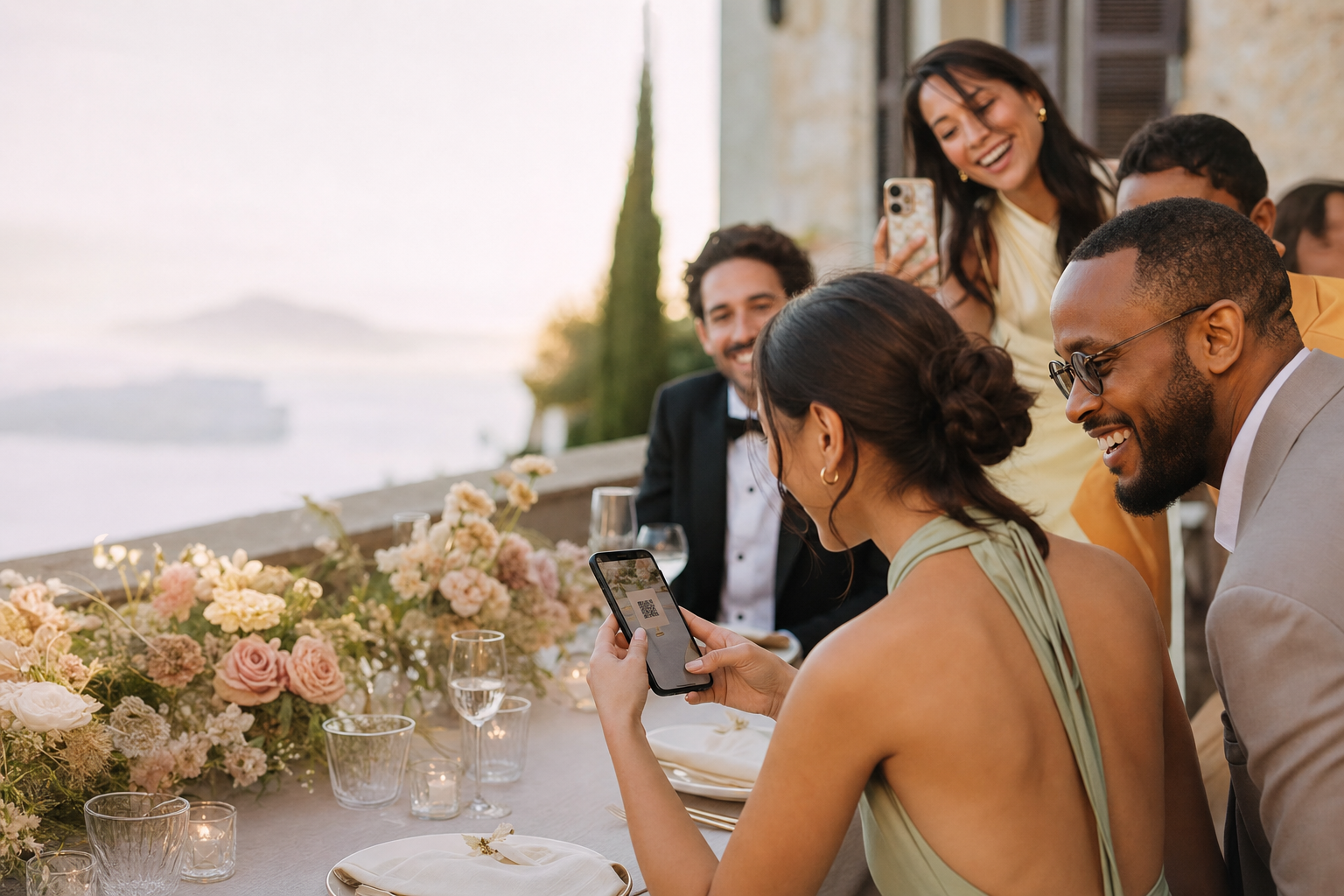
Wedding QR sign guide

A beautiful QR sign still has to work from a guest’s phone

The best sign feels like part of the wedding and performs like a clear interface. Prioritize scan reliability, one compelling sentence and placement where guests naturally pause.

No appNo guest accountPrivate gallery
A beautiful QR sign still has to work from a guest’s phone

Reliable code

No app · No guest account · Private gallery

No app
No guest account
Private gallery

The real problem

Most QR sign failures happen before anyone scans

The code is printed too small, low contrast or on a reflective surface.

01

Decorative copy competes with the one action guests need to understand.

02

A single sign is placed where nobody stops or has a free hand.

03

An experience built for participation

Design for distance, lighting and attention

Fewer instructions, fewer reminders and one place for everything.

Reliable code

Use a high-contrast export with generous quiet space and no visual elements touching it.

Readable hierarchy

Headline first, QR second, one short instruction third.

Multiple useful placements

Repeat the same code at welcome, bar, guestbook and table touchpoints.

This simple

Prepare a QR sign that survives the venue

01

Export before designing

Create the final event first so the printed code points to the permanent gallery, not a temporary placeholder.

02

Print and test at actual size

Scan from different angles and distances on both iPhone and Android under lighting similar to the venue.

03

Give the sign context

Add the couple or event name so guests trust the destination, then keep the instruction to one line.

Recommended sign anatomy

Headline, QR code, reassurance—nothing else is essential

Use: Show us the moments we missed. Then the large QR. Finish with: Scan to add photos and videos. No app or account needed. Keep the private link in small readable type as an accessibility fallback.

Reliable code

Use a high-contrast export with generous quiet space and no visual elements touching it.

Readable hierarchy

Headline first, QR second, one short instruction third.

Multiple useful placements

Repeat the same code at welcome, bar, guestbook and table touchpoints.

Create and test your event free. Paid plans start at €39 per event.

Design for use, not only the flat lay

The strongest sign is attractive and unmistakable

Looks good in a mockup
Works at the wedding
Small QR with ornate frame
Large code with clear white margin
Pastel code on textured paper
Dark code on plain light background
Paragraph of instructions
One action sentence
One sign beside the exit
Repeated at natural pause points

Try the guest experience

See exactly what your guests will see

Open a real demo gallery, explore the experience and check how easy it is to participate before creating your own event.

  • No app
  • No guest account
  • Private gallery
Open the live demo
See exactly what your guests will see

Verified reviews

What hosts say after using GuestShoot

Feedback from real event hosts, published only with their permission.

We used GuestShoot at our wedding and ended up with more than 500 guest photos and videos. The best part was discovering moments we had not even seen because we were greeting people or with the photographer. We left the QR code on the tables, and guests started uploading photos during the reception.
Laura M.
We had guests from several countries and needed something that did not require downloading an app or creating an account. Even our relatives who are less comfortable with technology used it without any problems. The next day, the whole celebration was together in one gallery.
Emily R.
At first I thought people would forget to upload their photos, but the opposite happened. We placed the QR code next to the menu and many guests started using it during dinner. The candid photos ended up being even more fun than the official ones.
Giulia B.
Setting up the event and sharing it with our guests was very easy. Our wedding had around 140 people, and we received photos from every corner of the celebration. We found beautiful pictures of our parents and friends that the photographer had not been able to capture.
Thomas L.
We used it throughout our wedding weekend, not only on the day of the ceremony. Guests uploaded photos from the dinner the night before, the party and the breakfast the next morning. We now have a complete diary of the whole weekend.
Sophie W.
We wanted a simple solution because we did not want to explain to every guest how to join a shared album. With GuestShoot, they only had to scan the QR code and enter their name. It was quick, worked well on different phones and far more people took part than we expected.
Anna K.

FAQ

Wedding QR sign questions

How large should the QR code be?

There is no universal size because viewing distance matters. For table cards, test the printed code at arm’s length; for a welcome sign, test from where guests will stand.

Can I change the QR destination after printing?

Do not assume that. Create the final GuestShoot event and use its downloaded code before sending artwork to print.

Can the QR be colored?

High contrast is more important than matching the palette. A dark code on a clean light background is the safest choice.

Should every table have a sign?

For a seated reception, table placement increases visibility. You can combine table cards with larger signs at the bar or guestbook area.

Generate the final QR before approving the print proof

Create the wedding event free, download the code and test the exact printed artwork.

Free plan · No card · Set up in minutes