Owning a Drive folder does not automatically create an attractive gallery for guests.
GuestShoot vs WedUploader
Choose a polished event experience or a direct route into Google Drive
WedUploader is appealing when your priority is sending guest files into a Google Drive folder you own. GuestShoot creates a hosted event experience around the uploads, adding albums, messages, a live slideshow and host controls.
✓ No app✓ No guest account✓ Private gallery
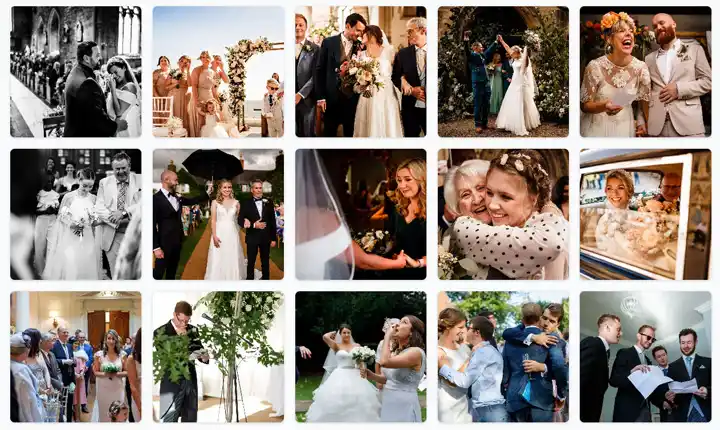
The real problem
Storage destination and guest experience are different decisions
A polished gallery is less useful if your workflow requires files to land directly in Drive.
Wedding hosts often discover the download and organization differences after the event.
An experience built for participation
Start with the outcome you want after the uploads
Fewer instructions, fewer reminders and one place for everything.
Direct storage
WedUploader is purpose-built around transferring uploads into Google Drive.
Event presentation
GuestShoot wraps contributions in a private gallery, albums and live slideshow.
Beyond files
GuestShoot can keep written and voice messages beside the media.
This simple
How to choose without regretting it later

01
Define the non-negotiables
List media formats, guest count, privacy, hosting period and how you want to download or display the keepsake.

02
Test as a guest
Open each option on a phone with no active account. Count the steps from invitation to first upload.

03
Compare the complete cost
Check limits, add-ons and post-event hosting—not only the first price shown.
Practical comparison
The difference is in the complete workflow
WedUploaderGuestShoot
× Uploads route to Google Drive
✓ Uploads live in a hosted event gallery
× QR/link collection flow
✓ QR/link collection flow
× Drive becomes the archive
✓ Albums and complete ZIP download
× Focused on wedding media transfer
✓ Media, written messages and optional voice
× Uses your Google storage workflow
✓ Event hosting included by plan
Feature sets and plans can change. This comparison is based on public product information reviewed in July 2026; verify current details on each provider’s website.
GuestShoot and WedUploader questions
Does GuestShoot upload directly to my Google Drive?+
No. GuestShoot hosts the event gallery and provides download tools; it does not claim direct Drive routing.
Why choose WedUploader?+
It is a logical choice when you want files delivered into a Google Drive account and do not need the same hosted keepsake layer.
Why choose GuestShoot?+
Choose it for a branded private event, albums, slideshow, guestbook and optional recorded voice messages.
Do both avoid a guest app?+
Both offer browser-based upload flows; test the current experience before the wedding.
Try the gallery-first approach before choosing
Create a free GuestShoot wedding and decide whether the experience adds value beyond storage.
Create a free wedding gallery →